
Everything we ship, in plain language.
New features, improvements and fixes as they go live. No jargon, just what changed and what it means for you.
Your feedback, handled for you
All your tools' feedback now lives on one Feedback page, with an email digest and one-click fixes through your own AI.
We turned feedback into something that works for you, not another inbox to babysit.
- One Feedback page across all your tools: search, filter, and see what needs you first (open bugs float to the top).
- A digest email on your schedule (weekly or daily), bugs first, in plain language — no jargon.
- Instant emails for new bugs, on or off per tool.
- Solve with your AI: pick the feedback, and Toolcrow hands your own Claude a ready-made prompt. It prepares an improved version; you review and publish. Nothing changes to your tool until you approve it.
Manage it all under Feedback, and connect your AI on the new Connections page.
Your AI can now improve your drops
Connect Claude via MCP and it can stage an improved version of your drop as a draft . You review, test-run and publish it yourself.
Your connected AI (via the Connect MCP button on your feedback page) can now do more than read: ask it to act on your feedback and it will stage an improved version of your drop as a draft.
Nothing goes live by itself. On your drop page you'll find a Pending change card showing what your AI wrote, which feedback items it addresses, and exactly what changes in the code. Hit Try this draft to use the proposed version for real before deciding, then Publish it (your current version is kept as a backup you can always restore) or Discard it.
You'll also get an email and an "AI draft" badge on your drops list whenever a proposal is waiting. It works on everything — single-file tools, React drops, large files and multi-file ZIP drops.
See and summarize your feedback
Read the feedback users leave on your drops, and get an AI summary of the common themes.
Your drops can now collect feedback from the people who use them, and you can finally read it.
- Feedback tab on every drop, showing how many responses came in and the latest few at a glance.
- A dedicated feedback page with every item, who left it (name or email, when they shared it), plus search and sorting.
- AI summary once you have 10+ items: the common themes, the overall sentiment, and concrete suggestions with a rough impact and effort estimate — so you know what's worth acting on.
Turn feedback on per drop from the Access tab.
Deploy bigger files
Single code and files up to 10 MB now deploy, no more character limit.
Uploading a single code or HTML file used to fail once it went past 500,000 characters, with a dead-end "code is too long" message. Bundled single-file apps (with images or fonts inlined as data) cross that easily.
Now those files upload straight to storage and go live like any other drop, up to 10 MB. Nothing about how your drop is handled changes: the file is still scanned and wrapped on the server, exactly like pasted code.
Pasted code keeps the 500,000-character limit, which keeps the editor fast.
Set your own AI prompt
Override the system prompt Toolcrow sends to the AI, per tool, right from the Stack tab.
Every tool that uses AI now shows the prompt it sends under Stack → AI. You can replace it with your own system prompt, so the same tool answers the way you want, without touching the code. Leave it empty to go back to the tool's original prompt. Toolcrow still runs everything through its own AI key, with the same per-tool usage cap.
Analytics-tab now contains AI analytics
You can now view the AI usage in the analytics tab.
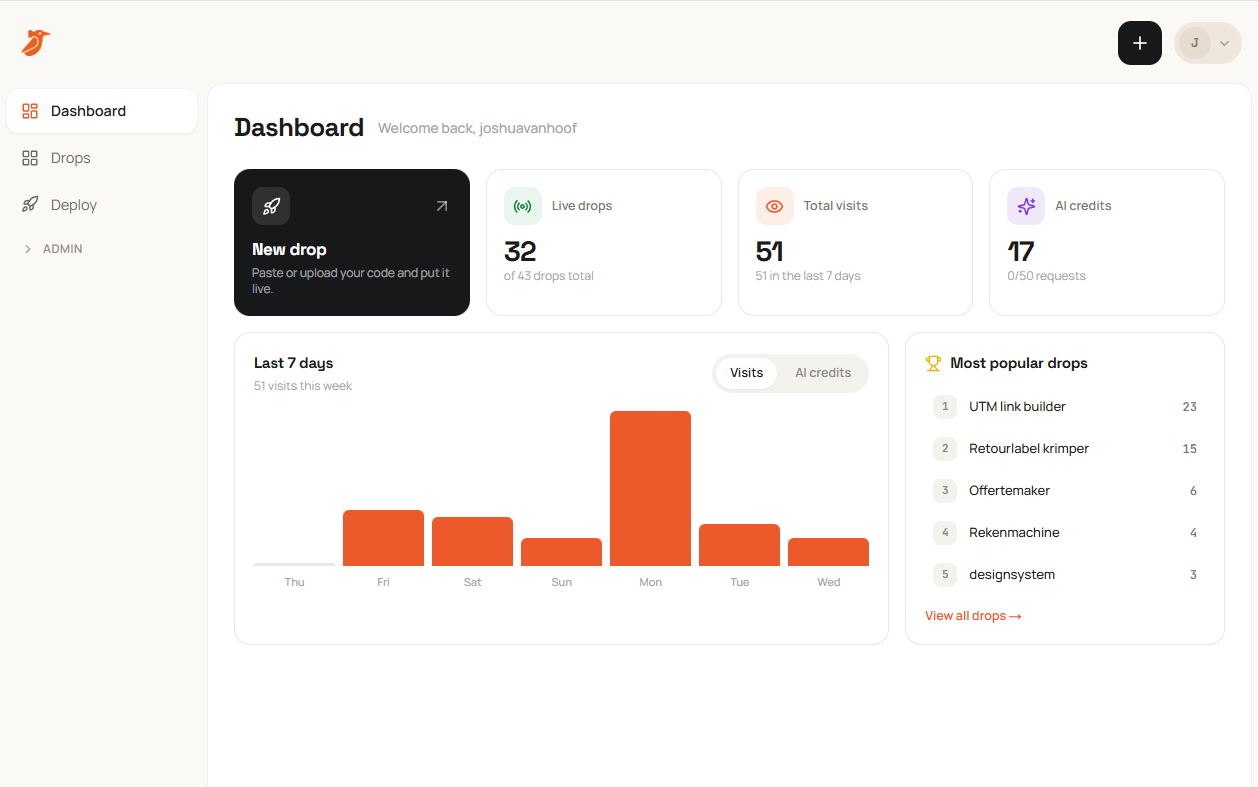
Whenever you want you can view all the information in one place.